
Technical Support
Compare the LSL22, B300PRO and LSL28, see how Tianji 5.0 handles different wheel profiles, and find checklists for installation, operator training and service.
Compare the Three CNC Wheel Lathes
Start with the largest wheel you repair, then check the wheel holder, machine dimensions, and available workspace.
-
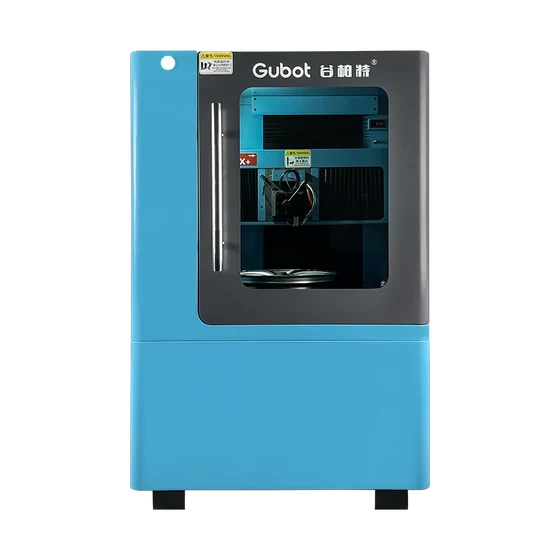
LSL22
A compact vertical model with a center-axis holder for wheels up to 22 inches.
-
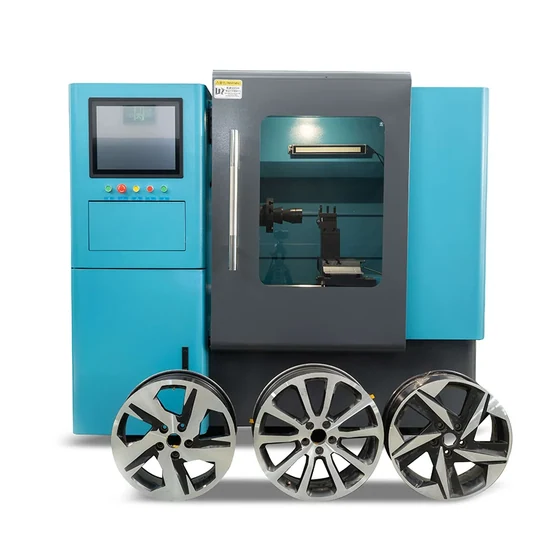
B300PRO
A horizontal model for wheels up to 24 inches, with a choice of three-jaw or center-axis holder.
-
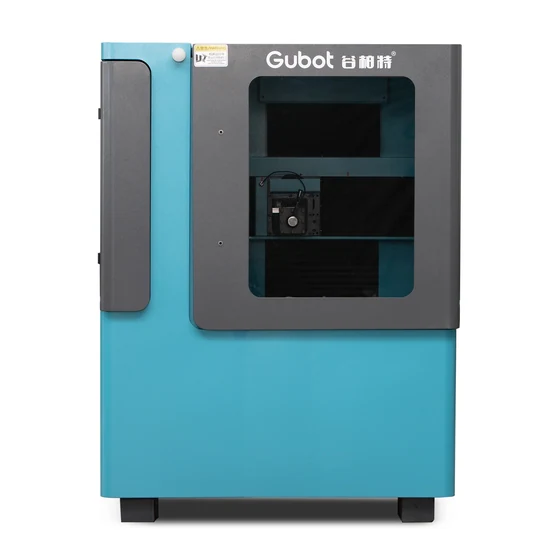
LSL28
A vertical model with a three-jaw holder for wheels up to 28 inches. Its counterweight balances the vertical Y-axis mechanism.
Swipe to see all three models in the table.
| Specification | LSL22 | B300PRO | LSL28 |
|---|---|---|---|
| Maximum wheel repair size | 22 in | 24 in | 28 in |
| Machine layout | Vertical | Horizontal | Vertical |
| Wheel holder | Center axis | Three-jaw or center axis | Three-jaw |
| Guide rails | TBI linear guides | Triangular rails | TBI linear guides |
| Work light and air blow | Included | Not included | Included |
Confirm the dimensions, weight, electrical configuration and holder for your order before preparing the site.
Machine Design and Safety
-
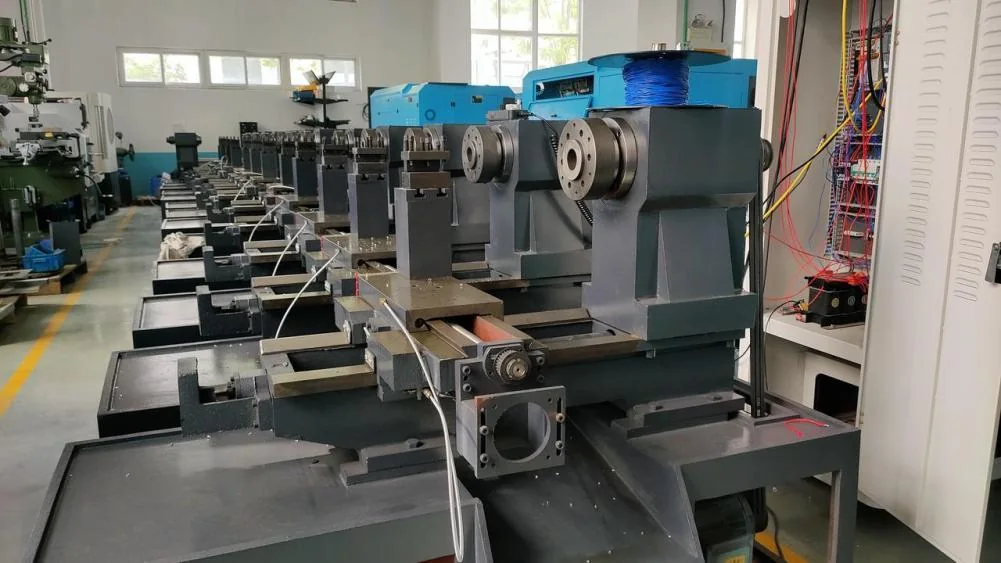
One-piece Cast Iron Structure
The HT250/HT300 cast iron main structure is designed to support rigidity during cutting.
-
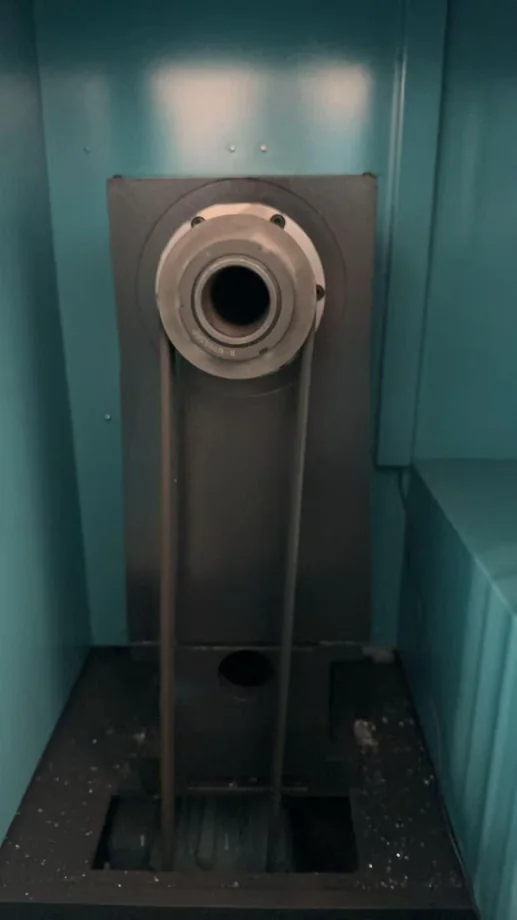
Spindle Housing
The housing undergoes oxidation treatment for corrosion resistance and straightening for alignment.
-
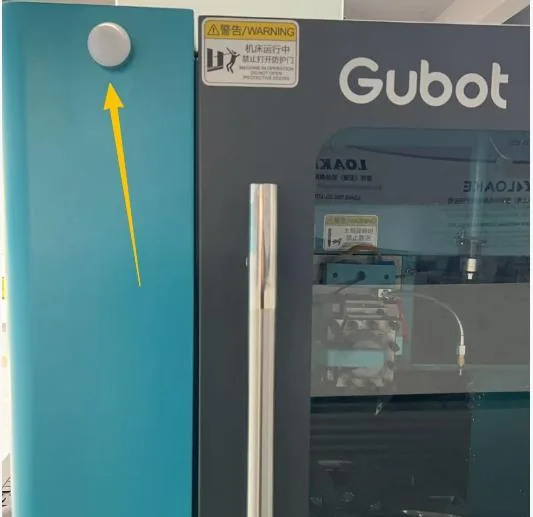
Enclosure and Alerts
The model comparison lists an automatic stop on door opening and an alarm function for all three models. Verify the interlock and alarm configuration during installation.
-
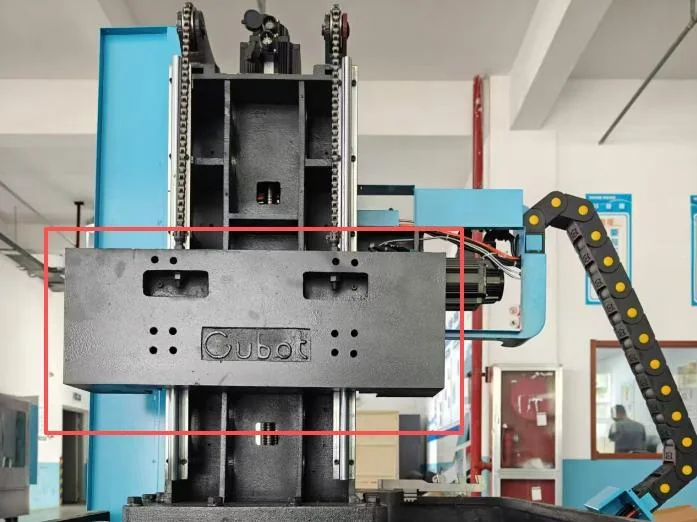
LSL28 Counterweight
The counterweight balances the vertical Y-axis mechanism.
Tianji 5.0 for Complex Wheel Faces
Discuss the scanning modes and tool controls available on your machine configuration during a demo.
Dynamic Profile Scanning
The system adjusts the acquisition range as it follows the wheel face. Standard and precision modes support different surface shapes.
Rounded Edges and Stepped Faces
Y-axis compensation helps follow rounded chamfers. Multi-segment acquisition joins sections of a stepped wheel face into one profile.
Curve Review and Tool Position
Operators can review, smooth and edit captured curves. Coordinate memory recalls the saved tool-setting point, and the system supports tool advance and retraction.
Machine Selection
Workshop Equipment Guides
Installation and First-Cut Checklist
-
Before Delivery
Request the installation drawing for your exact model. Confirm the delivery route, door clearances, unloading equipment, floor requirements, and working space around the enclosure.
-
Before Power-Up
Have the installer match the supply voltage and phase to the machine nameplate, check grounding and any required air supply, and confirm the alarm and door interlock checks in the manual.
-
During Operator Training
Bring a representative wheel. Ask the trainer to demonstrate wheel inspection and mounting, profile capture and review, tool setup, a supervised test cut, and inspection of the finished face.
Troubleshooting and Routine Care
The machine shows an alarm or does not start
Record the exact alarm and whether it appears during startup, scanning, or cutting. Photograph the screen and note any recent service or power interruption. Follow the model manual before restarting.
The scanned profile has gaps or an unexpected step
Save the profile screenshot and note the wheel size, scan mode, and where the gap appears. Ask support to review the profile before cutting. Include a front and side photo of the wheel if available.
The finish shows chatter marks or uneven lines
Stop the cut and record where the marks begin. Photograph the finish and note the holder, tool insert, and settings used so support can review the setup with you.
What should I include in routine equipment checks?
Use your model’s maintenance schedule for cleaning, lubrication, and inspection. Log service dates, parts changes, and recurring alarms so the technician can see how the issue developed.
Installation, Training and After-Sales Support
How do I request the manual or arrange training?
Send the machine model and serial number, your location, and the topics you want covered. The support team can identify the applicable manual and discuss training for your configuration.
What information helps identify a replacement part?
Include the model, serial number, and a photo of the part and its label when available. Mention the controller version if the part is part of the control system.
What should I include in a service request?
Include the model and serial number, a brief description of the issue, any alarm code, and the stage at which it occurs. Keep relevant photos, profile screenshots, or a short video ready to share.